


How to Visualize Data Using Matplotlib and Seaborn?
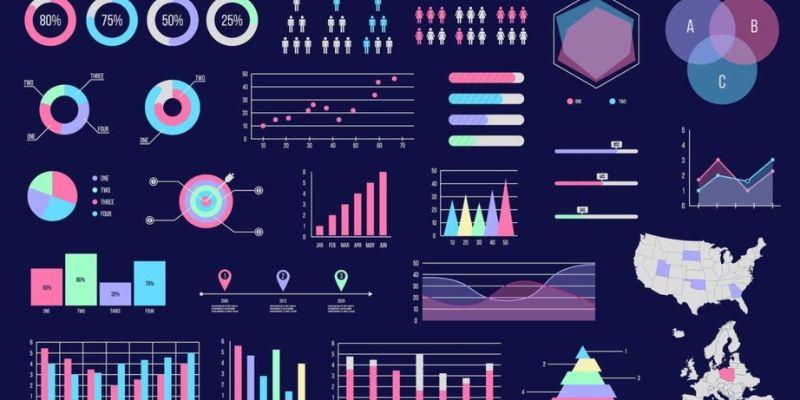
Data visualization is a crucial part of data analysis and data science. It helps convert raw data into graphical representations, enabling us to identify patterns, trends, and insights quickly. Two of the most popular Python libraries for data visualization are Matplotlib and Seaborn. These libraries are widely used by data analysts and data scientists to create informative and visually appealing plots.
In this blog, we will explore how to visualize data using Matplotlib and Seaborn, understand their features, and learn how to create different types of charts that simplify data interpretation.
What is Matplotlib?
Matplotlib is a widely-used Python library for creating static, interactive, and animated visualizations. It is considered a fundamental tool for data visualization in Python and is often the first library beginners learn.
Key Features of Matplotlib:
-
Highly customizable plots.
-
Supports a variety of chart types, like as line plots, bar charts, scatter plots, and histograms.
-
Provides fine control over plot elements like axes, colors, and labels.
-
Integrates well with other libraries like NumPy and Pandas.
If you are interested in learning more about Python and data visualization, consider enrolling in Python Training in Chennai to build a strong foundation in Python programming and data analysis.
Simple Line Plot Example Using Matplotlib:
import matplotlib.pyplot as plt
x = [1, 2, 3, 4, 5]
y = [10, 15, 20, 25, 30]
plt.plot(x, y, marker='o')
plt.title('Simple Line Plot')
plt.xlabel('X-axis')
plt.ylabel('Y-axis')
plt.show()
What is Seaborn?
Seaborn is a statistical data visualization library built on top of Matplotlib. It simplifies the process of creatings complex visualizations and is particularly effective for working with large datasets.
Key Features of Seaborn:
-
Built-in themes and color palettes for aesthetically pleasing plots.
-
Simplifies statistical plots like box plots, violin plots, and heatmaps.
-
Works seamlessly with Pandas DataFrames.
-
Automatically handles missing data and aggregates data where necessary.
Simple Scatter Plot Example Using Seaborn:
import seaborn as sns
import matplotlib.pyplot as plt
# Sample Data
data = sns.load_dataset('tips')
sns.scatterplot(x='total_bill', y='tip', hue='sex', data=data)
plt.title('Scatter Plot Using Seaborn')
plt.show()
Types of Visualizations in Matplotlib and Seaborn
Visualizing data effectively requires choosing the right type of chart based on your dataset and analysis goals.
1. Line Plot
-
Matplotlib: plt.plot()
-
Seaborn: sns.lineplot()
2. Bar Plot
-
Matplotlib: plt.bar()
-
Seaborn: sns.barplot()
3. Scatter Plot
-
Matplotlib: plt.scatter()
-
Seaborn: sns.scatterplot()
4. Histogram
-
Matplotlib: plt.hist()
-
Seaborn: sns.histplot()
5. Heatmap
Seaborn: sns.heatmap()
Developing expertise in visualization techniques is essential for data analysts and data scientists. Enrolling in a Python Online Course can help you gain practical skills and hands-on experience in working with visualization libraries like Matplotlib and Seaborn.
Why Use Both Matplotlib and Seaborn?
-
Matplotlib: Offers detailed control over plot customization, making it ideal for creating publication-quality visuals.
-
Seaborn: Provides high-level plotting functions and is excellent for quick and stylish statistical graphics.
Combining both libraries allows you to leverage their strengths and create polished, customized plots.
Best Practices for Data Visualization
-
Know Your Data: Always explore and clean your data before visualizing it.
-
Choose the Right Chart: Select charts that best represent your data.
-
Label Your Plots: Use appropriate titles, axis labels, and legends for clarity.
-
Maintain Simplicity: Avoid overcrowding your visuals with too much information.
Data visualization is a powerful tool for understanding and communicating insights from data. Libraries like Matplotlib and Seaborn simplify the process of creating a wide range of visual representations. Mastering these libraries will enhance your data analysis capabilities and allow you to present your findings effectively.
If you want to build a career in data analytics or data science, acquiring visualization skills is essential. Joining an IT Training in Chennai can provide you with the necessary guidance, hands-on practice, and industry exposure to advance your skills in data visualization and other programming concepts.

 English
 Arabic
 French
 Spanish
 Deutsch
 Turkish
 Dutch
Dutch
 Italiano
 Russian
 Romaian
 Portuguese (Brazil)
 Greek
Greek