**Printers with Cheap Ink: A Smart Choice for Cost-Effective Printing**
Choosing the right printer can be daunting, especially when you consider the long-term costs associated with ink. Ink expenses can quickly add up, making it crucial to select a printer that offers not just quality but also affordable running costs. **Printers with cheap ink** are ideal for home offices, small businesses, and even students who need to manage their printing budgets without compromising on quality. This post explores some of the best printers with affordable ink options, helping you make an informed decision that balances both upfront costs and long-term savings.
### **Why Choose Printers with Cheap Ink?**
1. **Lower Running Costs**: The cost of replacement ink cartridges can exceed the initial cost of a printer over its lifespan. Opting for a printer with affordable ink significantly reduces your cost per page, making it ideal for high-volume printing.
2. **Convenient and Frequent Printing**: With cheaper ink, you won't have to think twice before hitting the print button. This is particularly useful for businesses that require regular printing of documents, marketing materials, or labels.
3. **Sustainability**: Many printers with cheap ink options now come with refillable ink tanks or high-yield cartridges, reducing waste and the environmental impact associated with frequent cartridge replacements.
### **Top Printers with Affordable Ink Options**
#### **1. Epson EcoTank ET-2760**
The **Epson EcoTank ET-2760** is a favorite among those who print frequently and need a cost-effective solution. Instead of traditional ink cartridges, this printer uses an EcoTank system with refillable ink bottles that can print thousands of pages before needing a refill.
- **Ink Cost**: Extremely low; refills cost significantly less than cartridges.
- **Yield**: Up to 7,500 pages in black and 6,000 pages in color with one set of replacement bottles.
- **Additional Features**: Wireless printing, scanning, and copying; voice-activated printing.
#### **2. Brother MFC-J995DW INKvestmentTank**
The **Brother MFC-J995DW** offers an excellent balance between performance and cost-efficiency. This all-in-one printer is known for its INKvestmentTank system, which comes with high-yield ink cartridges that last longer and cost less.
- **Ink Cost**: Affordable, with each cartridge yielding up to one year of printing depending on usage.
- **Yield**: Up to 6,000 pages per black cartridge and 5,000 pages per color cartridge.
- **Additional Features**: Automatic two-sided printing, wireless connectivity, and a touchscreen interface.
#### **3. HP Smart Tank 7301**
The **HP Smart Tank 7301** is another great choice for those looking for printers with cheap ink. It uses an ink tank system with easy-to-refill bottles, making it a cost-effective and eco-friendly option.
- **Ink Cost**: Low, thanks to the high-capacity refillable ink tanks.
- **Yield**: Up to 8,000 pages in color and 6,000 pages in black with a single set of ink bottles.
- **Additional Features**: Wireless printing, mobile printing, and smart app connectivity for easier control.
#### **4. Canon PIXMA G6020 MegaTank All-in-One**
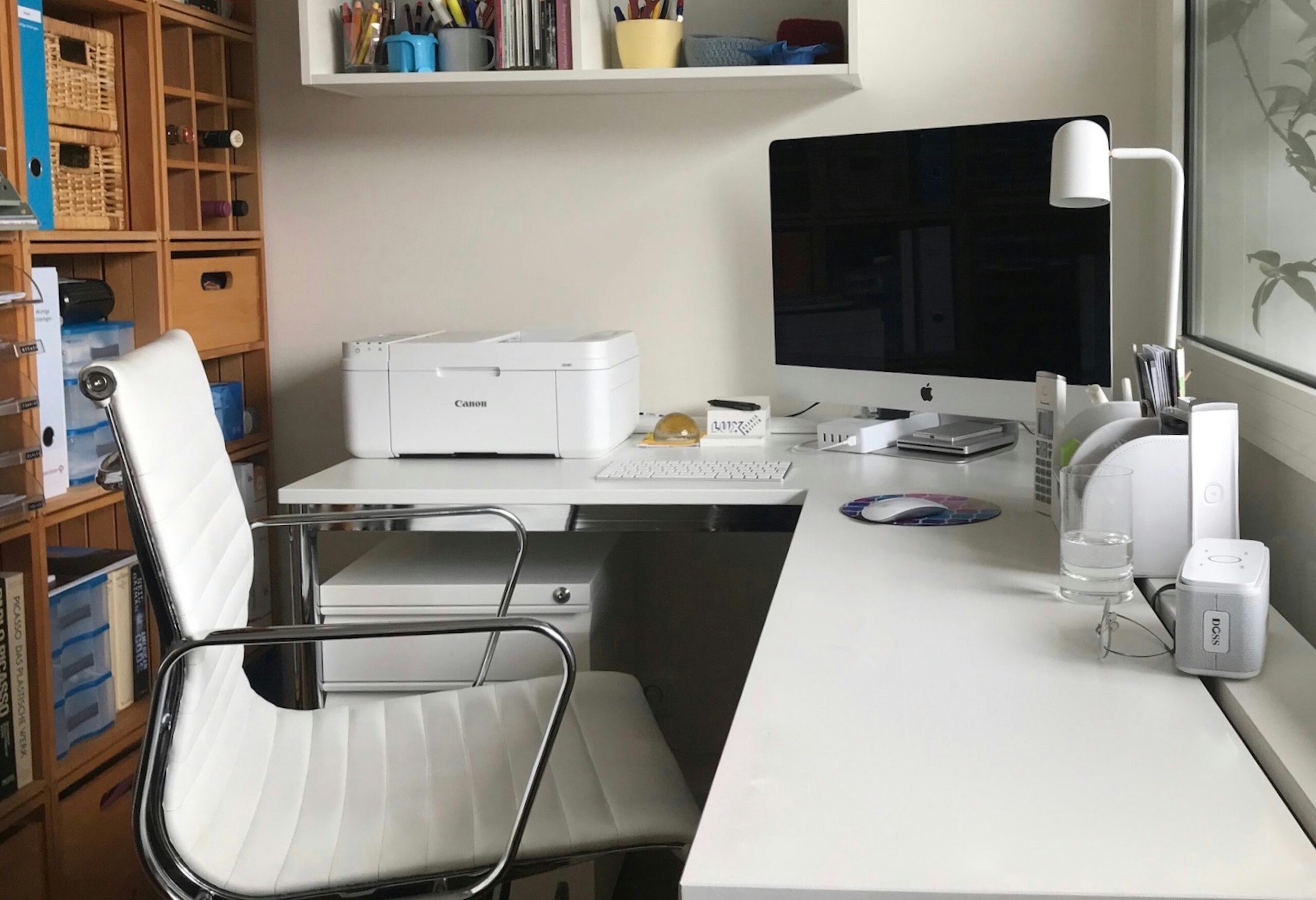
The **Canon PIXMA G6020** is designed for high-volume printing at an affordable price. Its MegaTank ink reservoir system allows users to print thousands of pages with fewer refills, making it a cost-effective choice.
- **Ink Cost**: Minimal, with high-yield ink bottles.
- **Yield**: Up to 6,000 pages in black and 7,700 pages in color per refill.
- **Additional Features**: Print, copy, scan functionality, and support for multiple media types.
#### **5. HP OfficeJet Pro 8035e**
For small businesses or home offices, the **HP OfficeJet Pro 8035e** offers a good combination of affordability and functionality. It supports HP's Instant Ink program, which delivers ink to your door at a lower cost per page.
- **Ink Cost**: Lower with the Instant Ink subscription, starting at a minimal monthly fee.
- **Yield**: Varies by plan, offering up to 300 pages per month for a fixed price.
- **Additional Features**: Fast printing speed, built-in security features, and smart app integration.
### **Tips for Getting the Most Out of Your Printer**
1. **Opt for High-Yield Cartridges**: If your printer uses cartridges, choose high-yield options. They might cost more initially but will last longer, reducing your cost per page.
2. **Enroll in Ink Subscription Services**: Some manufacturers offer subscription services like HP Instant Ink, where you pay a monthly fee based on your printing needs. This can be a cost-effective solution if you print regularly.
3. **Use Draft Mode for Everyday Printing**: For non-essential documents, use the draft or economy mode to save ink. This mode consumes less ink while still producing readable prints.
4. **Regular Maintenance**: Regularly clean your printheads and perform maintenance tasks as recommended by the manufacturer. This can prevent ink from drying up and clogging, extending the life of your ink cartridges.
5. **Consider Refillable Ink Systems**: Printers with refillable ink tanks, like Epson EcoTank or Canon MegaTank, offer significantly lower ink costs and are more eco-friendly than traditional cartridge-based printers.
### **Conclusion**
Finding the **best printers with cheap ink** involves balancing upfront costs with long-term savings on ink. Whether you opt for a refillable ink tank system like the Epson EcoTank or Canon MegaTank, or prefer a traditional cartridge system with high-yield options like the Brother INKvestmentTank, these printers can help keep your printing costs down while ensuring high-quality prints.
Investing in a printer with affordable ink options is a smart decision that pays off in the long run, especially for those with regular or high-volume printing needs. With the right choice, you can enjoy cost-effective, high-quality printing without worrying about frequent and expensive ink replacements.
https://theprinterinsider.com/best-printers-with-cheap-ink/
**Tags**:
#CheapInkPrinters #AffordablePrinting #EcoTank #MegaTank #INKvestmentTank #SmallBusinessPrinting #CostEffectivePrinting #HomeOfficePrinters**Printers with Cheap Ink: A Smart Choice for Cost-Effective Printing**
Choosing the right printer can be daunting, especially when you consider the long-term costs associated with ink. Ink expenses can quickly add up, making it crucial to select a printer that offers not just quality but also affordable running costs. **Printers with cheap ink** are ideal for home offices, small businesses, and even students who need to manage their printing budgets without compromising on quality. This post explores some of the best printers with affordable ink options, helping you make an informed decision that balances both upfront costs and long-term savings.
### **Why Choose Printers with Cheap Ink?**
1. **Lower Running Costs**: The cost of replacement ink cartridges can exceed the initial cost of a printer over its lifespan. Opting for a printer with affordable ink significantly reduces your cost per page, making it ideal for high-volume printing.
2. **Convenient and Frequent Printing**: With cheaper ink, you won't have to think twice before hitting the print button. This is particularly useful for businesses that require regular printing of documents, marketing materials, or labels.
3. **Sustainability**: Many printers with cheap ink options now come with refillable ink tanks or high-yield cartridges, reducing waste and the environmental impact associated with frequent cartridge replacements.
### **Top Printers with Affordable Ink Options**
#### **1. Epson EcoTank ET-2760**
The **Epson EcoTank ET-2760** is a favorite among those who print frequently and need a cost-effective solution. Instead of traditional ink cartridges, this printer uses an EcoTank system with refillable ink bottles that can print thousands of pages before needing a refill.
- **Ink Cost**: Extremely low; refills cost significantly less than cartridges.
- **Yield**: Up to 7,500 pages in black and 6,000 pages in color with one set of replacement bottles.
- **Additional Features**: Wireless printing, scanning, and copying; voice-activated printing.
#### **2. Brother MFC-J995DW INKvestmentTank**
The **Brother MFC-J995DW** offers an excellent balance between performance and cost-efficiency. This all-in-one printer is known for its INKvestmentTank system, which comes with high-yield ink cartridges that last longer and cost less.
- **Ink Cost**: Affordable, with each cartridge yielding up to one year of printing depending on usage.
- **Yield**: Up to 6,000 pages per black cartridge and 5,000 pages per color cartridge.
- **Additional Features**: Automatic two-sided printing, wireless connectivity, and a touchscreen interface.
#### **3. HP Smart Tank 7301**
The **HP Smart Tank 7301** is another great choice for those looking for printers with cheap ink. It uses an ink tank system with easy-to-refill bottles, making it a cost-effective and eco-friendly option.
- **Ink Cost**: Low, thanks to the high-capacity refillable ink tanks.
- **Yield**: Up to 8,000 pages in color and 6,000 pages in black with a single set of ink bottles.
- **Additional Features**: Wireless printing, mobile printing, and smart app connectivity for easier control.
#### **4. Canon PIXMA G6020 MegaTank All-in-One**
The **Canon PIXMA G6020** is designed for high-volume printing at an affordable price. Its MegaTank ink reservoir system allows users to print thousands of pages with fewer refills, making it a cost-effective choice.
- **Ink Cost**: Minimal, with high-yield ink bottles.
- **Yield**: Up to 6,000 pages in black and 7,700 pages in color per refill.
- **Additional Features**: Print, copy, scan functionality, and support for multiple media types.
#### **5. HP OfficeJet Pro 8035e**
For small businesses or home offices, the **HP OfficeJet Pro 8035e** offers a good combination of affordability and functionality. It supports HP's Instant Ink program, which delivers ink to your door at a lower cost per page.
- **Ink Cost**: Lower with the Instant Ink subscription, starting at a minimal monthly fee.
- **Yield**: Varies by plan, offering up to 300 pages per month for a fixed price.
- **Additional Features**: Fast printing speed, built-in security features, and smart app integration.
### **Tips for Getting the Most Out of Your Printer**
1. **Opt for High-Yield Cartridges**: If your printer uses cartridges, choose high-yield options. They might cost more initially but will last longer, reducing your cost per page.
2. **Enroll in Ink Subscription Services**: Some manufacturers offer subscription services like HP Instant Ink, where you pay a monthly fee based on your printing needs. This can be a cost-effective solution if you print regularly.
3. **Use Draft Mode for Everyday Printing**: For non-essential documents, use the draft or economy mode to save ink. This mode consumes less ink while still producing readable prints.
4. **Regular Maintenance**: Regularly clean your printheads and perform maintenance tasks as recommended by the manufacturer. This can prevent ink from drying up and clogging, extending the life of your ink cartridges.
5. **Consider Refillable Ink Systems**: Printers with refillable ink tanks, like Epson EcoTank or Canon MegaTank, offer significantly lower ink costs and are more eco-friendly than traditional cartridge-based printers.
### **Conclusion**
Finding the **best printers with cheap ink** involves balancing upfront costs with long-term savings on ink. Whether you opt for a refillable ink tank system like the Epson EcoTank or Canon MegaTank, or prefer a traditional cartridge system with high-yield options like the Brother INKvestmentTank, these printers can help keep your printing costs down while ensuring high-quality prints.
Investing in a printer with affordable ink options is a smart decision that pays off in the long run, especially for those with regular or high-volume printing needs. With the right choice, you can enjoy cost-effective, high-quality printing without worrying about frequent and expensive ink replacements.
https://theprinterinsider.com/best-printers-with-cheap-ink/
**Tags**: #CheapInkPrinters #AffordablePrinting #EcoTank #MegaTank #INKvestmentTank #SmallBusinessPrinting #CostEffectivePrinting #HomeOfficePrinters



 English
 Arabic
 French
 Spanish
 Deutsch
 Turkish
 Dutch
Dutch
 Italiano
 Russian
 Romaian
 Portuguese (Brazil)
 Greek
Greek