How to Make the Most of Your Google Business Profile
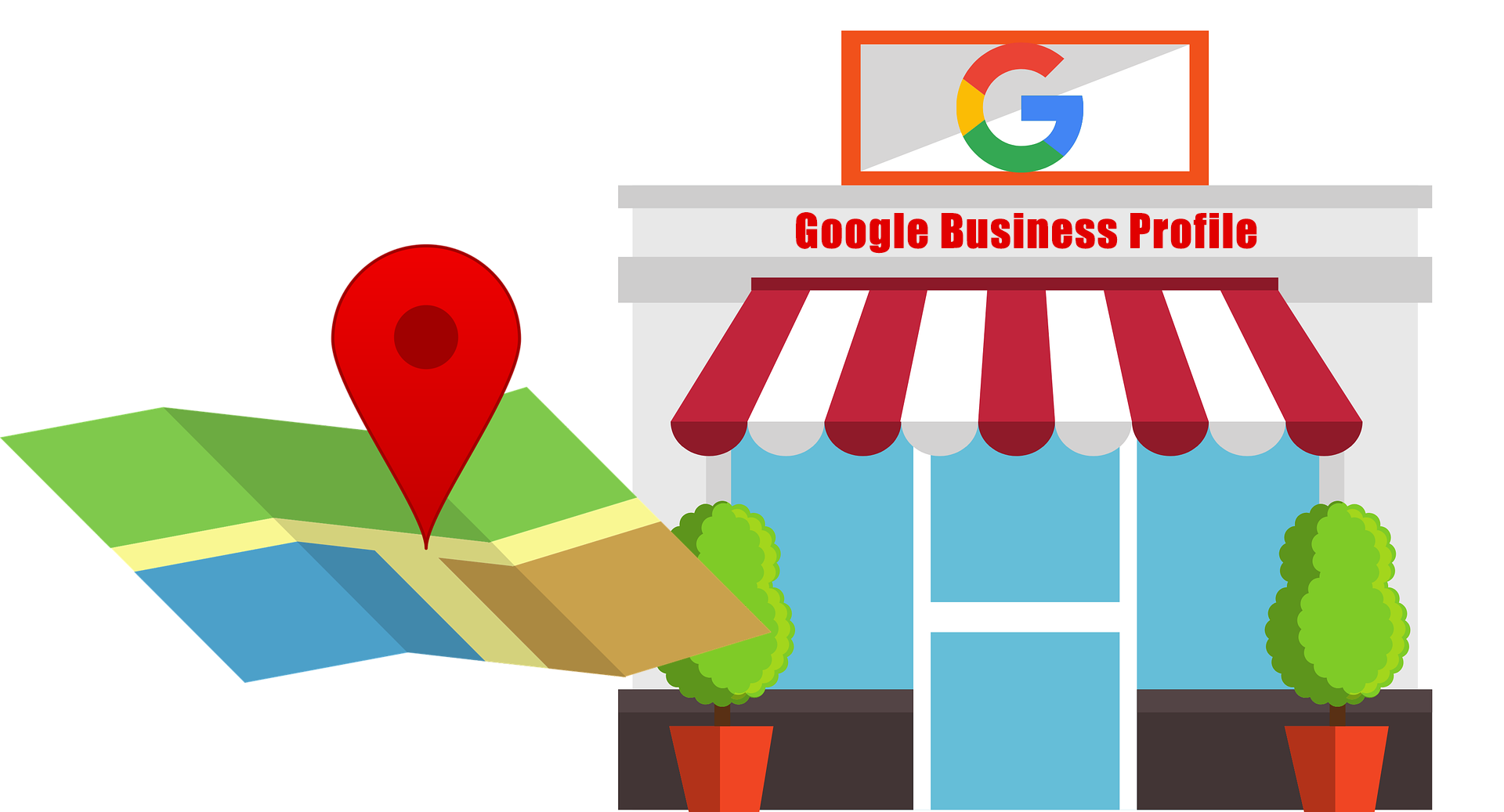
If a business wants to do well these days, it needs to be noticeable online in its local area. A Google Business Profile (GBP) can help. It’s a free tool that gives local businesses control over how they show up on Google Search and Maps. Just setting up your profile isn't going to cut it. To get noticed, grow your audience, and reach local folks, invest some time in your Google Business Profile.
Here’s how to make your Google Business Profile more visible and bring in more customers:
1. Set Up Your Profile
First, make your GBP listing and verify it. First, go to your Google Business Profile and search for your business. Follow the steps to verify (in most cases via mail, phone, or email). This allows you to control your business information and what is seen online about your business.
2. Complete All Business Information
Local search results are more favorable for completed profiles. Make sure you include the following:
Your Business Name (it must be exactly the same as known offline)
Your Primary Business Category (and any other categories that you qualify for) Your Complete Business Address (and ensure your name, address, and number are verified with every search engine or directory you use)
Your Phone Number
Your Website URL
Your Business Hour
Your Short Business Description (sum up what you do and add a few critical search terms)
Adding everything above will help provide a bump in your search ranking.
3. Add Keywords That Matter
Using the right keywords in your business description, services, and posts can help local customers find you! Ask yourself what words someone might type when searching for a business like yours, and use those words naturally.
For example, if your business is a pizza restaurant in Chicago, you might use Chicago pizza or deep dish pizza near me.
4. Post Great Photos and Videos
Photos in listings get requested more for directions and get clicked to websites more often. Things to include:
Photos of the inside and outside of your business
Photos of your products
Photos introducing your team
Short, engaging videos
Be sure your photos are clear and appealing. Add a logo and cover photo; this will help people identify your brand.
5. Get and Reply to Reviews
Google reviews can change where you rank locally. Ask happy customers to leave reviews, and be sure to respond to them, especially the bad ones.
A few things to consider:
Ask for reviews after they purchase
Include review links in emails
When responding, call the person by name and refer to what they said.
6. Select Business Categories and Additional Business Details
Choose your primary business category and find the one that best matches your business. You can also select additional categories and additional business details (like wheelchair ramps or free Wi-Fi) to inform as much as you can about your business.s
7. Turn on Messaging
Google allows people to message you through your GBP profile. This is a nice feature so customers have somewhere to contact you with questions. Remember to respond as fast as you can because your response time will impact trust and ranking.
8. Post on your GBP regularly
In the Posts area, you can provide updates, deals, events, and other news. Posts can appear in search results and are a good way to catch people's attention.
Some suggestions:
Use quality images
Keep your posts short
Use Learn More, Call No,w and Visit Website button
9. Add Products or Services
If you have products or services, list them in the applicable section. Include a description, price, image, or the relevant service to give customers an indication of what you are offering without leaving Google.
10. See How Your Listing is Performing with Insights
Use GBP's Insights tool to assess how customers are interacting with your listing. You will want to specifically look for:
Search queries
Clicks to your site
Calls
Directions requests
Searches vs. Maps views
This information can assist you in developing your local SEO strategy.
To sum things up
A good Google Business Profile is an important part of any local SEO plan. It helps people find you, makes them trust you more, and brings more traffic to your business. No matter what kind of business you run—a coffee shop, doctor's office, salon, or anything else—working on your GBP profile can raise your business’s profile in your area.
Get started today and watch your local visibility increase!
Visit Here :
https://sdgmtech.in/gmb.htmlHow to Make the Most of Your Google Business Profile
If a business wants to do well these days, it needs to be noticeable online in its local area. A Google Business Profile (GBP) can help. It’s a free tool that gives local businesses control over how they show up on Google Search and Maps. Just setting up your profile isn't going to cut it. To get noticed, grow your audience, and reach local folks, invest some time in your Google Business Profile.
Here’s how to make your Google Business Profile more visible and bring in more customers:
1. Set Up Your Profile
First, make your GBP listing and verify it. First, go to your Google Business Profile and search for your business. Follow the steps to verify (in most cases via mail, phone, or email). This allows you to control your business information and what is seen online about your business.
2. Complete All Business Information
Local search results are more favorable for completed profiles. Make sure you include the following:
Your Business Name (it must be exactly the same as known offline)
Your Primary Business Category (and any other categories that you qualify for) Your Complete Business Address (and ensure your name, address, and number are verified with every search engine or directory you use)
Your Phone Number
Your Website URL
Your Business Hour
Your Short Business Description (sum up what you do and add a few critical search terms)
Adding everything above will help provide a bump in your search ranking.
3. Add Keywords That Matter
Using the right keywords in your business description, services, and posts can help local customers find you! Ask yourself what words someone might type when searching for a business like yours, and use those words naturally.
For example, if your business is a pizza restaurant in Chicago, you might use Chicago pizza or deep dish pizza near me.
4. Post Great Photos and Videos
Photos in listings get requested more for directions and get clicked to websites more often. Things to include:
Photos of the inside and outside of your business
Photos of your products
Photos introducing your team
Short, engaging videos
Be sure your photos are clear and appealing. Add a logo and cover photo; this will help people identify your brand.
5. Get and Reply to Reviews
Google reviews can change where you rank locally. Ask happy customers to leave reviews, and be sure to respond to them, especially the bad ones.
A few things to consider:
Ask for reviews after they purchase
Include review links in emails
When responding, call the person by name and refer to what they said.
6. Select Business Categories and Additional Business Details
Choose your primary business category and find the one that best matches your business. You can also select additional categories and additional business details (like wheelchair ramps or free Wi-Fi) to inform as much as you can about your business.s
7. Turn on Messaging
Google allows people to message you through your GBP profile. This is a nice feature so customers have somewhere to contact you with questions. Remember to respond as fast as you can because your response time will impact trust and ranking.
8. Post on your GBP regularly
In the Posts area, you can provide updates, deals, events, and other news. Posts can appear in search results and are a good way to catch people's attention.
Some suggestions:
Use quality images
Keep your posts short
Use Learn More, Call No,w and Visit Website button
9. Add Products or Services
If you have products or services, list them in the applicable section. Include a description, price, image, or the relevant service to give customers an indication of what you are offering without leaving Google.
10. See How Your Listing is Performing with Insights
Use GBP's Insights tool to assess how customers are interacting with your listing. You will want to specifically look for:
Search queries
Clicks to your site
Calls
Directions requests
Searches vs. Maps views
This information can assist you in developing your local SEO strategy.
To sum things up
A good Google Business Profile is an important part of any local SEO plan. It helps people find you, makes them trust you more, and brings more traffic to your business. No matter what kind of business you run—a coffee shop, doctor's office, salon, or anything else—working on your GBP profile can raise your business’s profile in your area.
Get started today and watch your local visibility increase!
Visit Here : https://sdgmtech.in/gmb.html









 English
 Arabic
 French
 Spanish
 Portuguese
 Deutsch
 Turkish
 Dutch
Dutch
 Italiano
 Russian
 Romaian
 Portuguese (Brazil)