Graphic/Video Editing & Web Development Combo Course
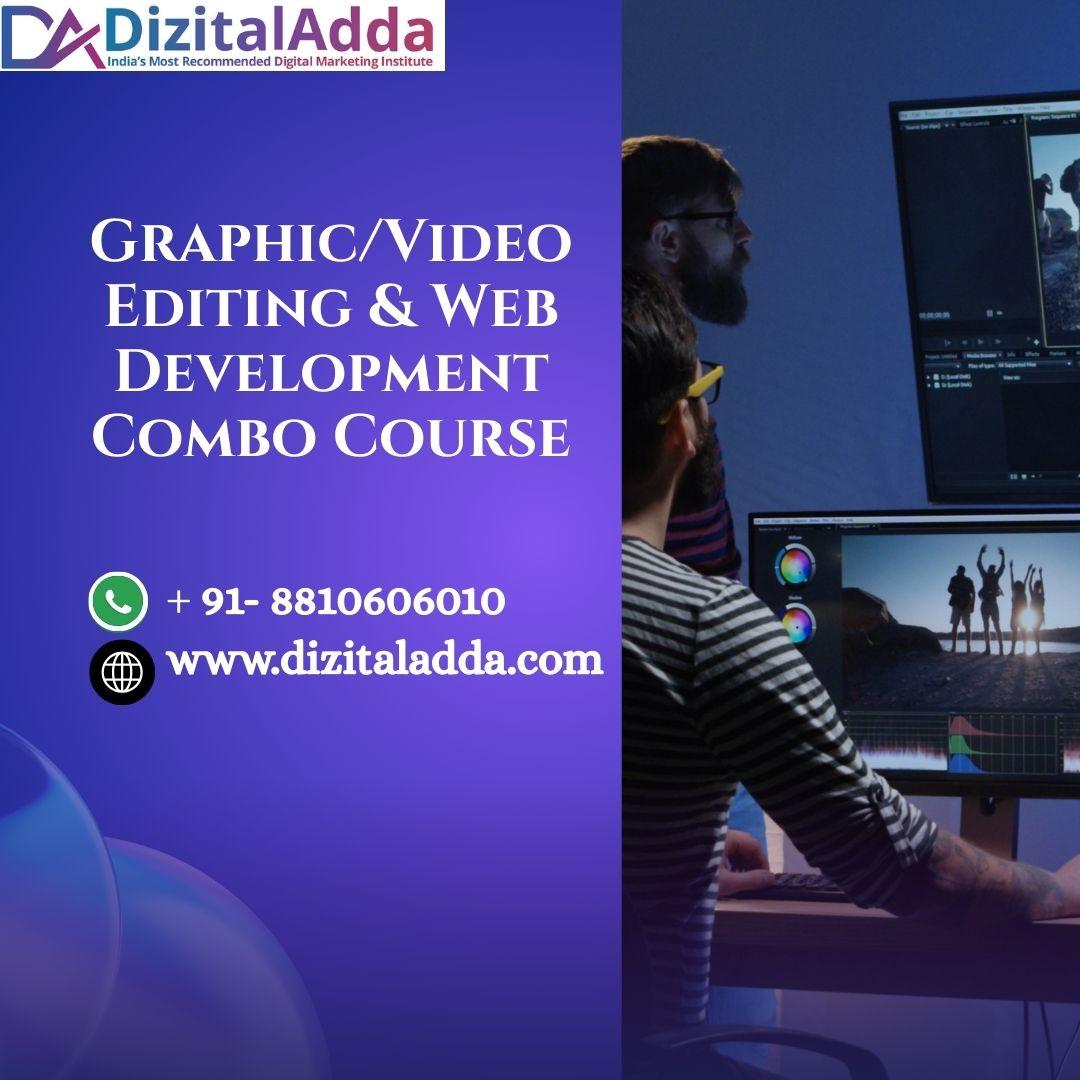
Do you want to make bright posters, cool videos, and real websites—all by yourself? The Graphic/Video Editing & Web Development Combo Course is here to help. In one friendly program, you learn art skills and coding skills side by side. By the end, you will create eye-catching graphics, edit smooth videos, and build web pages that work on phones, tablets, and computers. Let’s explore how this journey works!
1. Why Mix Graphics, Video, and Web?
Pictures, clips, and websites live together on the internet. When a site loads, you see a banner image, maybe a short motion clip, and buttons to click. A creator who can design the banner, edit the clip, and code the buttons is super valuable. That’s why our graphic and video editing course joins forces with beginner-friendly web development courses. Mixing both saves time and makes projects feel complete.
Imagine this: you own a small cupcake shop. You need a cute logo, a 30-second promo video, and a sweet website. Learning both design and code lets you do everything without hiring three different people. Employers love “multitool” creators, and clients feel happy when one person can meet all needs.
2. What You Will Learn
Design & Video Modules
Color theory that makes eyes smile, Font pairing so words look neat, Layer tricks in, Photoshop for cool depth, Trimming and joining clips in DaVinci Resolve, Sound, balancing—voice, music, and effects, Motion graphics: text that flies, shapes that spin.
Coding Modules
-
HTML tags that build the bones of a page.
-
CSS rules that paint color, space, and style.
-
Flexbox and Grid to place boxes exactly where you want.
-
Media queries to fit big screens and small phones.
-
JavaScript basics—click to open a menu, fade a picture, or play a video.
Both tracks talk to each other. You’ll design a hero image, then drop it into your web header. You’ll cut a promo clip, then embed it on your homepage. Step by step, you connect art and code.
3. Course Schedule
Week Theme Big Goal
1 Design Foundations Create a color-font mood board
2 Image Editing Fix photos & make a social post
3 Video Basics Produce a 30-sec travel clip
4 Motion Graphics Animate title & lower thirds
5 HTML & CSS Build a one-page site layout
6 Mobile First Make your page look great on phones
7 JavaScript Fun Add pop-up gallery & smooth scroll
8 Capstone Launch site + promo video online
Spend just 60 minutes each day. Short review quizzes keep you on track, and mini-projects lock in every new skill.
4. Hands-On Projects
Brand Starter Kit — Design a logo, color palette, and business card.
Poster in Motion — Turn the poster into a 10-second title animation.
V-Log Edit — Cut raw travel footage, add music, and export in HD.
One-Page Wonder — Code a landing page with hero image, about section, and contact form.
Combo Capstone — Publish a full website that shows your poster as a banner and your video in an embedded player.
These five projects add up to a neat portfolio you can show teachers, friends, or future clients.
5. Tools That Make Life Easy
Canva for fast layouts when deadlines are tight.
Adobe Photoshop for deep image control.
DaVinci Resolve (free) for pro-level video editing.
After Effects for extra motion sparkle.
Visual Studio Code for comfy coding with hints and color highlights.
GitHub Pages for free hosting—no credit card needed.
Guides include screenshots and arrows for every click, so you’re never lost.
6. Simple Teaching Style
We promise plain language: short sentences, clear verbs, no tricky tech talk. Every lesson starts with “What” and “Why,” then shows “How.” You watch, copy, and then try on your own. Stuck? Rewind the clip, read the tip box, or ask in the chat. Learning should feel like stacking toy blocks—one small, easy piece at a time.
7. Support & Community
Buy the course, unlock a friendly family. You’ll join:
A private chat group where mentors answer within 24 hours.
Weekly live webinars that solve common roadblocks.
Peer-review threads where classmates share feedback and cheer.
No question is silly. Everyone starts somewhere, and teamwork makes skills stick.
8. Career Paths After Graduation
Mastering both tracks opens doors:
Junior Web Designer — style layouts and update images.
Content Creator — craft posts, clips, and micro-sites for brands.
Freelance Editor-Coder — edit videos and tweak site code for YouTubers.
Small-Business Digital Helper — be the one-stop shop for graphics, videos, and websites.
Because you finished a graphic and video editing course along with practical web development courses, you can switch hats and solve more problems than a single-skill hire.

 English
 Arabic
 French
 Spanish
 Portuguese
 Deutsch
 Turkish
 Dutch
Dutch
 Russian
 Romaian
 Portuguese (Brazil)
 Greek
Greek